
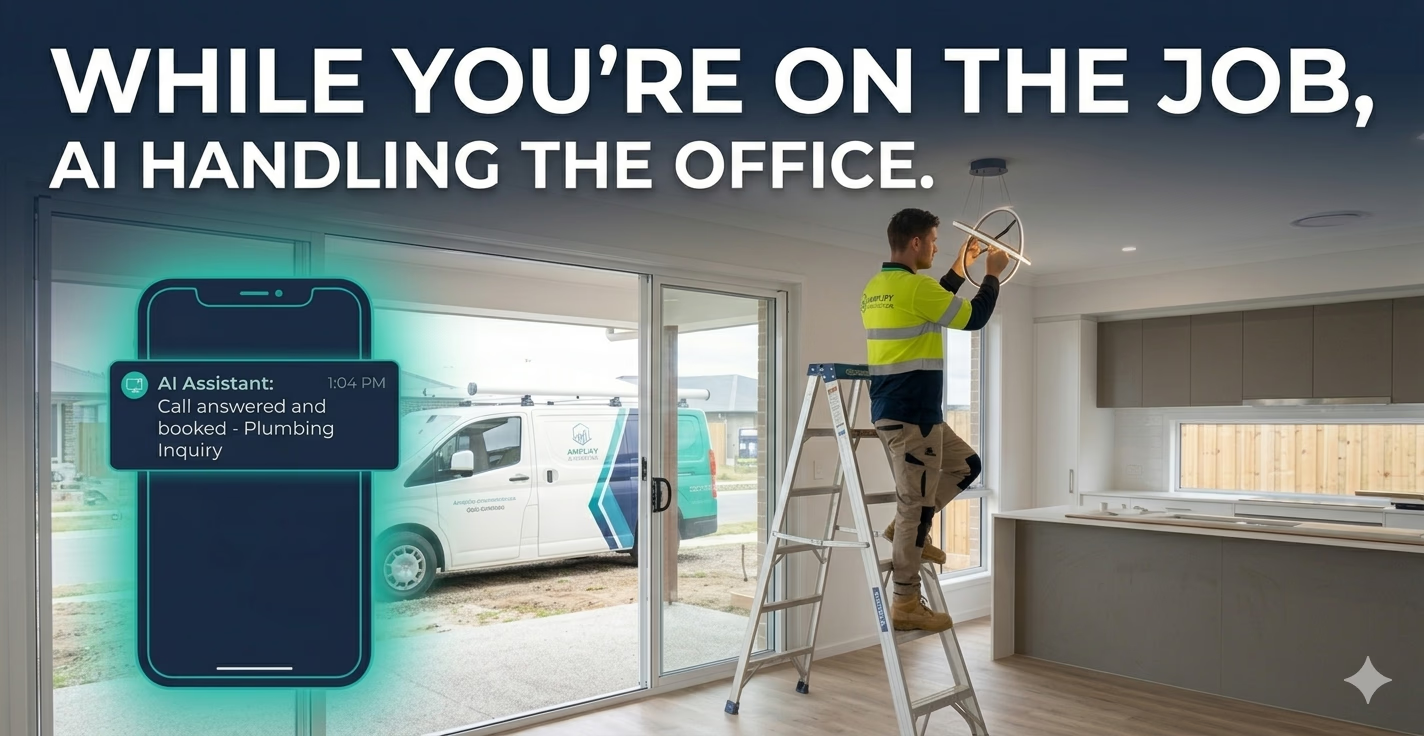
Your phone rings at 7:15 on a Tuesday morning. You're on a roof, hands full, and you let it go to voicemail. By the time you call back, the customer has already booked someone else. Voice AI can stop that from happening, but only if it's set up to handle the right questions the right way.
Getting started with a Voice AI phone system for your trade business doesn't have to be complicated. The key is knowing exactly which customer questions your AI should handle, and how to configure it so callers get fast, confident answers every time. In this guide, we'll walk through the five most important questions your Voice AI should be ready to answer, plus the practical steps to set each one up.
Why the Right Questions Matter for Voice AI Setup
Voice AI setup is one of the areas where trade businesses make the most mistakes. They either programme too little (leaving callers frustrated with vague answers) or too much (creating a confusing phone tree that pushes people away). The sweet spot is a focused set of high-impact questions that your Voice AI handles brilliantly, every time.
Think about what your customers actually ask when they call. For most trade businesses, whether you're a plumber, electrician, HVAC tech, or landscaper, the same five or six questions come up again and again. Nail those, and you'll capture more leads, qualify better jobs, and stop wasting time on repeat calls that could be automated.
Question 1: Are You Available for My Job?
This is the first thing almost every caller wants to know. They're not calling to chat, they want to know if you can help them and when.
Your Voice AI should be set up to give a clear, confident answer about your availability. This doesn't mean it needs to manage your live calendar (though some platforms can). At minimum, it should communicate your general operating hours, service area, and a realistic turnaround time.
How to set it up: Write a short script that covers your typical availability. For example: "We service the Greater Brisbane area and we're available Monday to Friday 7am to 5pm, with emergency callouts available after hours. We generally book new jobs within 24 to 48 hours." Keep it simple, honest, and specific.
Question 2: What's Your Pricing?
Customers ask about price more than almost anything else. The problem is, most tradies avoid the question because it's hard to give a firm number without seeing the job. That's fine, your Voice AI doesn't need to quote on the spot. It just needs to handle the question professionally.
How to set it up: Give your AI a pricing response that acknowledges the question, sets realistic expectations, and moves the caller toward a booking or quote. For example: "Our call-out fee is $X, and we provide a fixed-price quote before starting any work. The best way to get an accurate price is to book a free quick assessment, want me to get that sorted for you?"
This approach handles the question, keeps you competitive, and moves the caller forward without locking you into a number before you've seen the job.
Question 3: What Services Do You Offer?
Callers often aren't sure exactly what they need. "Do you do gas fitting?" "Can you fix a leaking roof?" "Are you able to handle commercial jobs?" If your Voice AI can't answer these confidently, callers assume you can't help and hang up.
How to set it up: Create a clear list of your top five to eight services and configure your AI to walk through them naturally. Don't try to list everything, focus on the jobs you do most often and want more of. You can also set up different responses based on what the caller says. If they mention "gas," the AI can confirm you handle gas fitting and route them to a booking.
A good rule of thumb: if you get asked about a service more than once a week, it should be in your Voice AI's knowledge base.
Question 4: How Do I Book a Job?
This is where Voice AI earns its keep. A well-configured system can take a booking (or at least a lead) 24 hours a day, 7 days a week, without you lifting a finger.
How to set it up: Connect your Voice AI to your booking system if you use one. Most platforms integrate with tools like ServiceM8, Tradify, or a simple calendar link. If you don't have a booking system yet, at minimum configure the AI to collect the caller's name, phone number, address, and a brief description of the job, then send that to you as a text or email.
The goal is simple: every caller who asks "how do I book?" should end that call with an appointment confirmed or a lead captured. No exceptions.
A Quick Scenario
Imagine a homeowner calls your plumbing business at 9pm on a Saturday. Their hot water system has stopped working. With a basic voicemail setup, that lead sits in your inbox until Monday morning, and by then, they've called three other plumbers.
With Voice AI configured to handle booking questions, the caller hears a professional response explaining your emergency callout process, gets a rough timeframe, and has their details captured automatically. You wake up Sunday morning with a job ready to confirm. That's the difference.
Question 5: Do You Service My Area?
This one trips up a lot of trade businesses because it feels like a simple yes/no, but it's actually a lead qualification question in disguise. If your AI says yes to jobs outside your service area, you waste time on calls that don't convert. If it says no too broadly, you lose good leads on the edges of your territory.
How to set it up: Be specific about your primary service zones. List the suburbs or postcodes you cover confidently, and include a softer response for fringe areas: "We primarily service [suburbs], but we do take select jobs in surrounding areas depending on our schedule, what suburb are you in?" This keeps the conversation open and lets you decide case by case.
Implementation Checklist
Use this to get your Voice AI set up with the right questions from day one:
- Write clear, plain-English scripts for all five questions above
- Include your actual service areas, hours, and job types, don't be vague
- Set up lead capture so every call ends with contact details collected
- Connect to your booking system if you have one
- Test your setup by calling in as a customer and asking each question
- Review call recordings weekly for the first month and refine responses
- Add new questions to your AI's knowledge base as they come up
Ready to set up your Voice AI the right way? Getting the configuration right from the start saves you hours of rework and means you capture more leads from day one.